


Progressive web app
Install the App
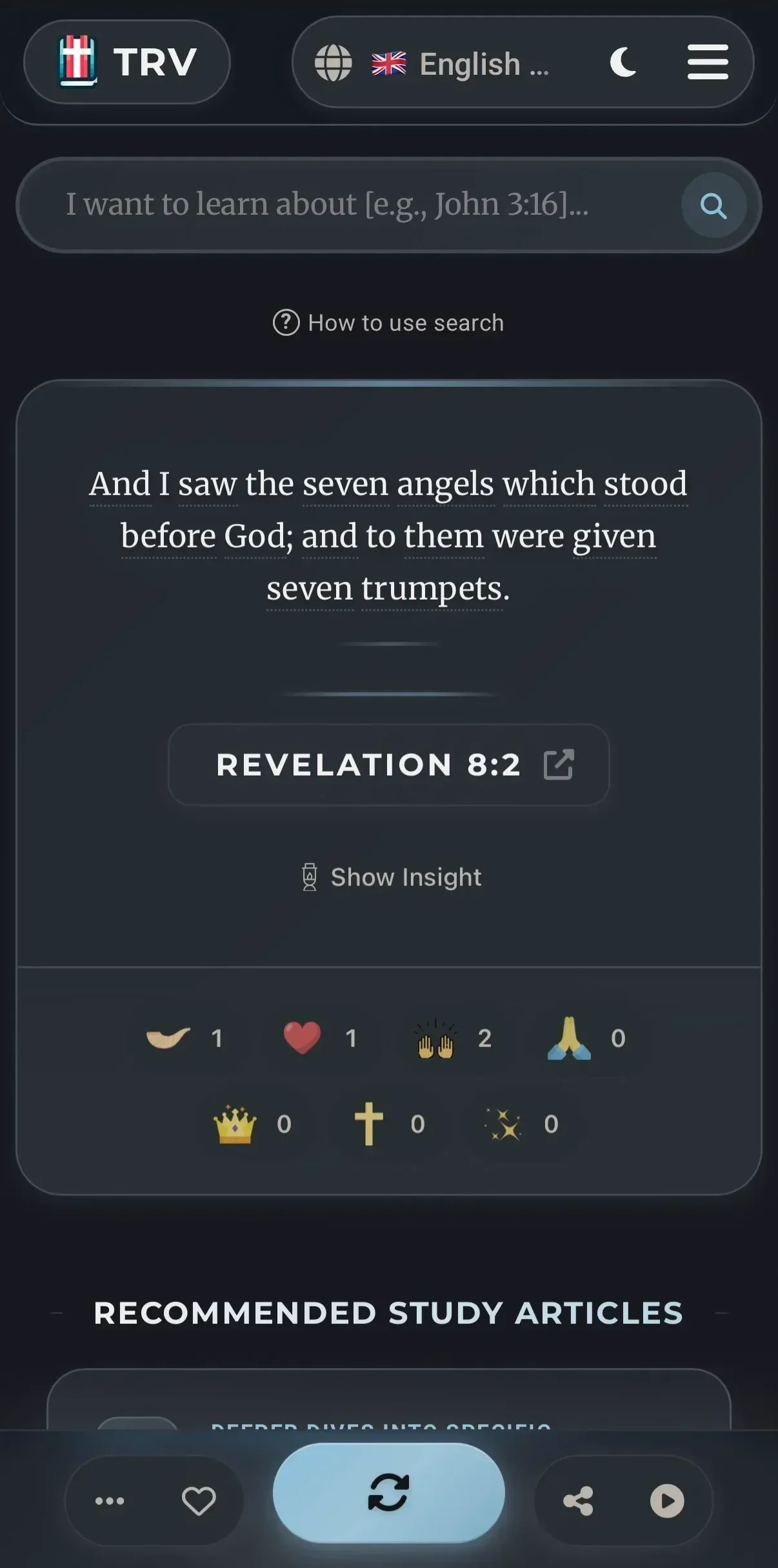
TrulyRandomVerse is a Progressive Web App (PWA) — a lightweight app that installs directly from your browser. It loads faster and lives right on your home screen.

Android (Chrome)
Chrome will prompt you automatically, or you can install manually:
Open in Chrome
Visit trulyrandomverse.com in Google Chrome on your Android device.
Tap the Menu
Tap the three-dot menu ⋮ in the top-right corner of Chrome.
Add to Home Screen
Tap "Add to Home screen" or "Install app", then confirm.
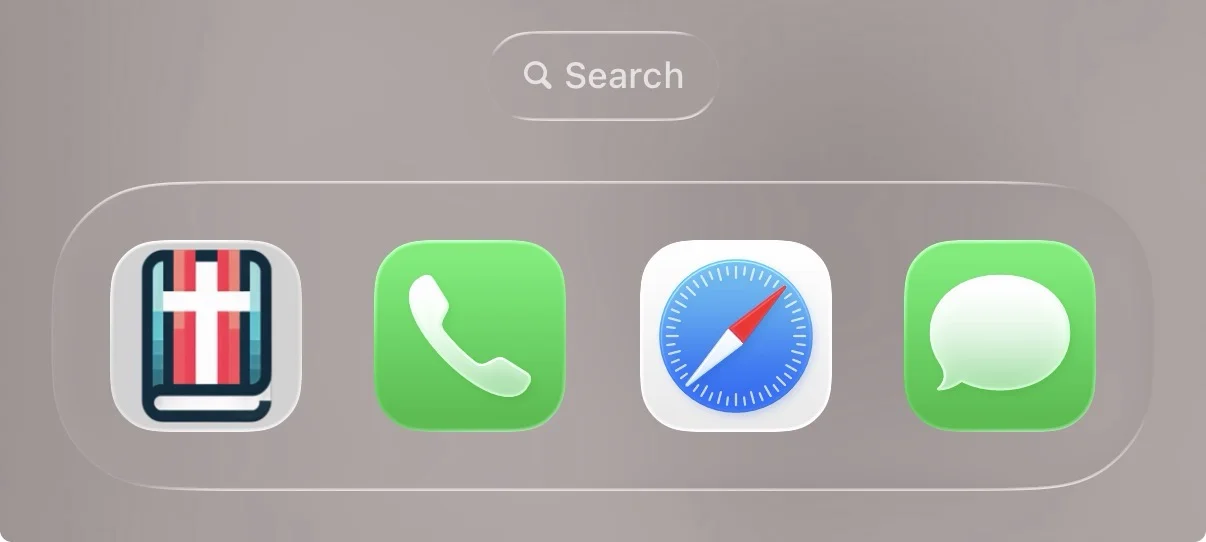
The app icon will appear on your home screen. It opens in its own window — just like a native app.
iPhone & iPad (Safari)
On iOS, you must use Safari to install web apps. Chrome and other browsers on iOS don't support this feature.
Open in Safari
Visit trulyrandomverse.com in Safari on your iPhone or iPad.
Tap Share
Tap the Share button at the bottom of Safari (or the top on iPad).
Add to Home Screen
Scroll down in the share sheet and tap "Add to Home Screen", then tap "Add".
The app will appear on your home screen with the TRV icon. It opens full-screen without Safari's address bar.
Desktop (Chrome / Edge)
Visit the Site
Open trulyrandomverse.com in Chrome or Microsoft Edge.
Click Install
Look for the install icon ⬇ in the address bar, or open the browser menu and choose "Install TrulyRandomVerse".
The app opens in its own window and can be pinned to your taskbar or dock.
What You Get
Instant Access
Launch from your home screen — no browser tabs, no typing URLs. One tap and you're reading Scripture.
Full-Screen Experience
No address bar, no browser UI. The app takes up your whole screen for distraction-free reading.
Back & Forward Navigation
A built-in navigation bar with back, share, reload, and history — designed for the app experience.
No Download Required
It's not a 50 MB app-store download. It uses the site you already know, packaged as a lightweight app.
On a desktop browser? Try the Browser Extension instead.